

CO-COMPOSER
A lightweight iPad app for your digital audio workstation, providing visual articulation keyswitches and responsive MIDI CC faders.




Run Co-Composer and connect to your iPad over network MIDI
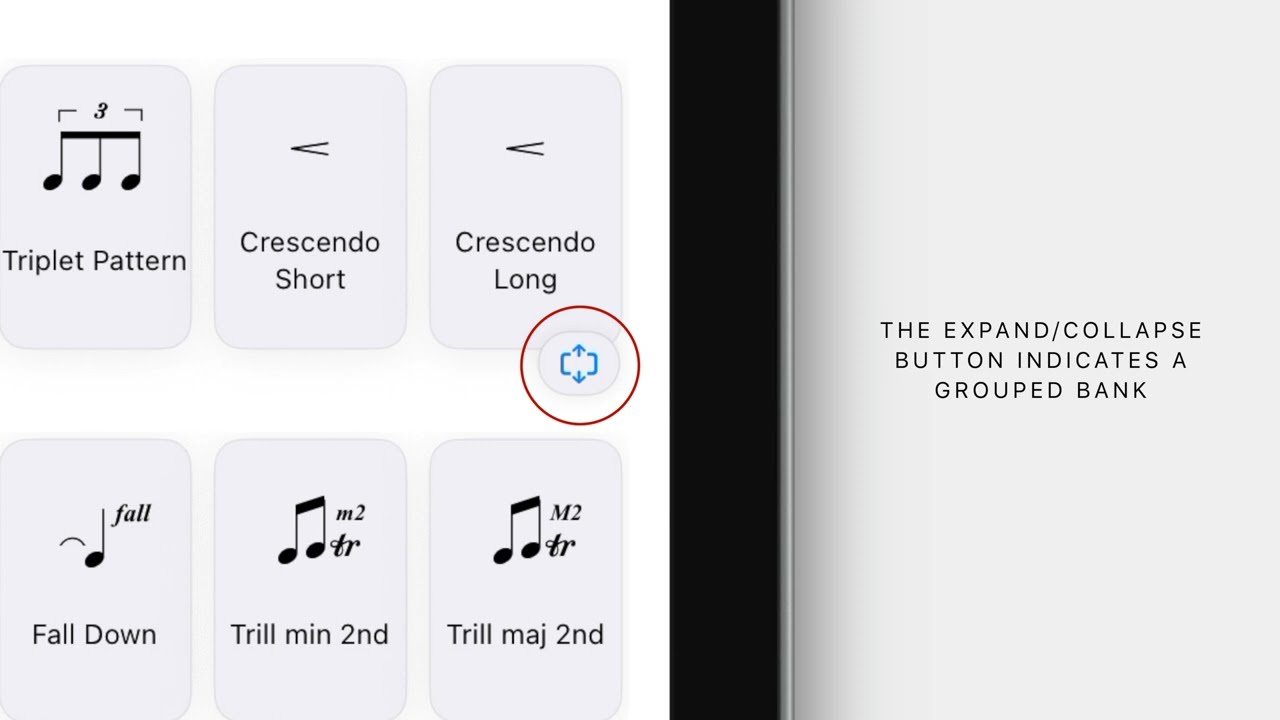
Add Articulation banks of buttons with musical symbols, names and MIDI events to control your sample libraries and instruments in the DAW
Set CC and Aftertouch values across up to six expressive, responsive faders
Use the Modulation Assistant to enter start and end chords to generate harmonic pivot ideas, or build melodic runs from start and end notes across numerous scales and run shapes using the Runs composer


A mac app to map Logic Pro tracks to your Co-Composer articulation banks
Enable "Add Tracks" in Co-Composer Focus, and click on your tracks in Logic Pro to map them
Open Co-Composer on iPad on the same network and watch your articulation banks appear in Co-Composer automatically
Drag and drop the relevant articulation bank onto mappings or auto assign, then Co-Composer will automatically focus on the relevant articulation bank based on your track selection.

CO-COMPOSER
Focus for Logic Pro


CO-COMPOSER
MIDI Remote for Cubase
A MIDI Remote surface script for Cubase, and a companion mac app to assign MIDI events for each track name
Add your unique track names from your template for global recognisation across all projects
Open Co-Composer on iPad on the same network MIDI conection and watch your articulation banks appear in Co-Composer automatically based on uniqe track name selection
